Без заголовка |
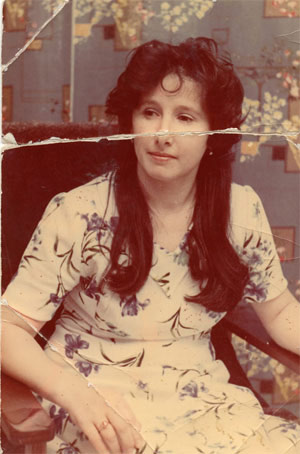
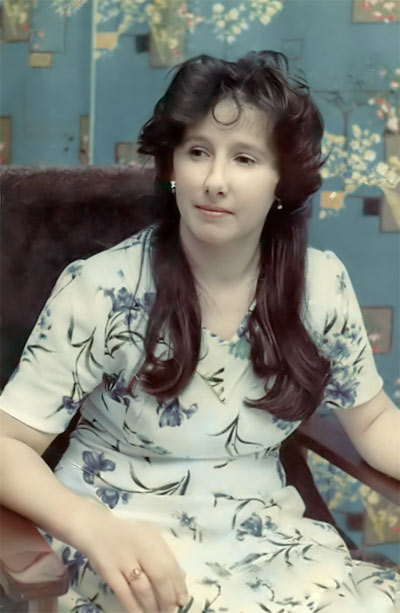
Скажу сразу, что при экспериментах с инструментами clone и healing brush очень быстро заканчивается палитра History. Так что рискуете испортить свое фото, когда узнаете, что ctrl+alt+z исчерпал себя. Так что в настройках программы выставите значение History States равное 60 в место 20.
Порядок выполнения действий практически одинаков в такого рода занятиях.
1.Цветокоррекция
2.Ретуширование.
3.Пункт мелких индивидуальных исправлений.
4.Noise reduction. Ноис редакшн. (в русском языке аналог шумопонижения)
1.Цветокоррекция.
Её умопонимание зависит от опытности пользователя. На ней можно просто " насабачиться", если часто приходиться этим заниматься.
Раньше я не понимал, как вообще можно корректировать цвета в цветовом пространстве RGB ,логика и структура которого человеку вообще не понятна?
Но потом привыкаешь. Как в фильме "матрица" - перестаешь видеть ее в закодированном виде, и вместо кода уже видишь блондинку или брюнетку.
И так, начнемс…
В фотографии первое , что бросается в глаза - сильная насыщенность красными тонами. Исправляется это двумя способами : автоматически и "ручками" .Я рассмотрю два этих способа.
Заходим в Image> adjustments> levels или просто нажмите ctrl+L.
Там нажимаем auto и смотрим результат исправления цветов. Не всегда он бывает верным. В моем случае алгоритм auto levels меня порадовал. Одновременно с этим я подправил серый рычажок под гистограммой в левую стророну, он отвечает за полутона, осветляя их.
Нажимаем OK.
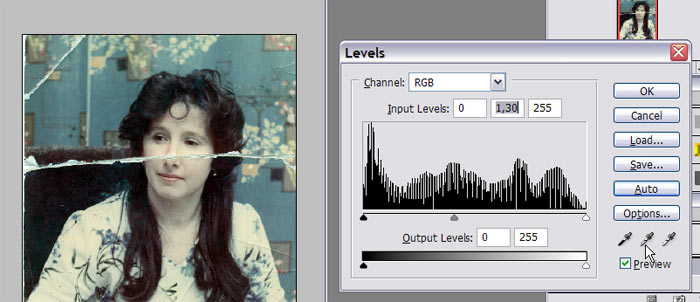
Теперь подправляем руками . Image>adjustments> color balance (ctrl +B )
Если вы не знаете названия цветов в этом окне, то это не проблема.
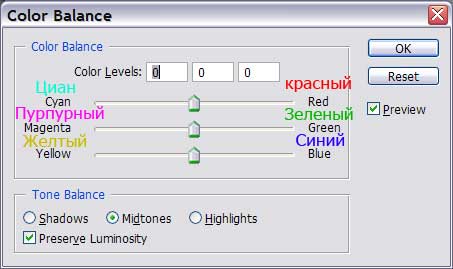
Здесь можно очень точно откалибровать цвета в изображении. Причем в каждом диапазоне яркости. Shadows (тени) и Midtones (Полутона) и highlight (светлые тона) .В данном окне суть коррекции состоит в том, что если в фотографии много какого-либо цвета, то что бы его убрать, надо добавить противоположный. То есть присутствует в фото немного циана, то добавим мы немного красного, двигая рычажок в соответствующее положение.
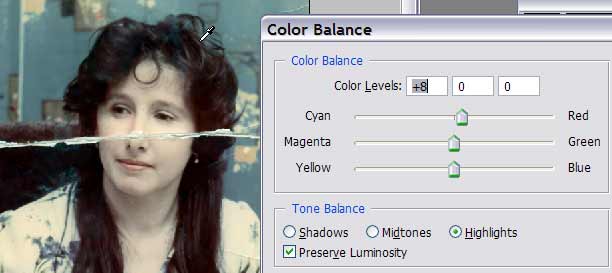
Как откалибруете, жмите ok
Сейчас мы видим, что волосы довольно сильно потеряли детали и ушли в "темноту".
Здесь нам поможет Image>adjustments>shadow/highlight.
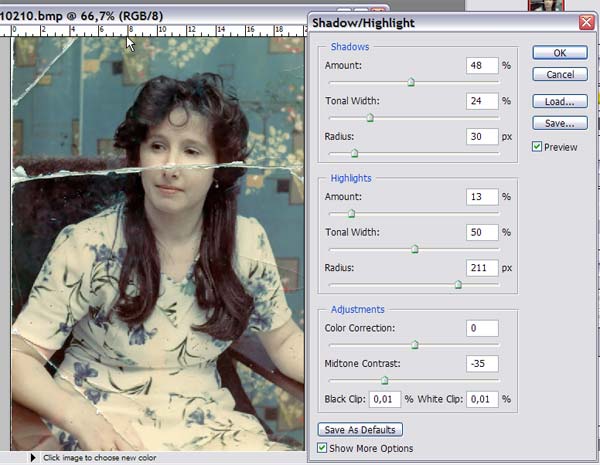
Сразу ставим галочку на show more options.
Тут повозился я на "глаз" . В shadows я убрал тень с волос. В highlights я подтенил светлые тона и одновременно с этим midtone contrast. Который компенсирует сильный контраст фотографий тех времен. (В сегодняшних фото такое редко встретишь.
Разработчики меня очень порадовали этой функцией.)
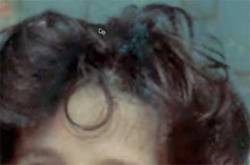
Тут мы замечаем, что вылезли незаметные до этого цветовые пятна красного и синего на волосах.
А для этого в этом же окне чуть ниже есть color correction. Все что он не смог сделать мы доделаем сами далее.
2.Ретуширование.
Думаете, сейчас сразу пойдет "выберем инструмент healing brush...?" а вот не совсем. Для начала мы должны покинуть режим RGB и перейти в режим LAB. Image > mode > lab color.
Помните , в начале статьи я говорил, что метод будет немного модернизированный? Да , я имел ввиду режим Lab.
Объясняю почему, преимущество цветового пространства Lab в том, что мы может "лечить" фотографию отдельно по цвету и по форме. Сначала правим форму, потом уже цвет. Чего в RGB нельзя. Форма и цвет в нем - это одно целое. Это неудобно.
Если вы ленитесь замазывать оборванные края фотографии, то можно обрезать фотографию инструментом crop.
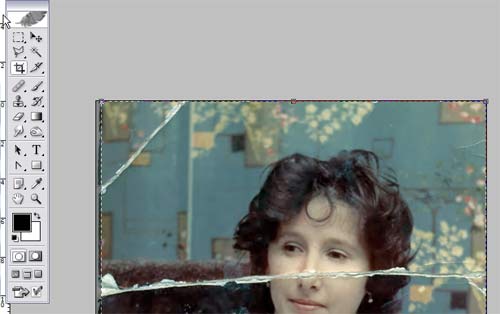
И так , начнем. Переключаемся в канал lightness.
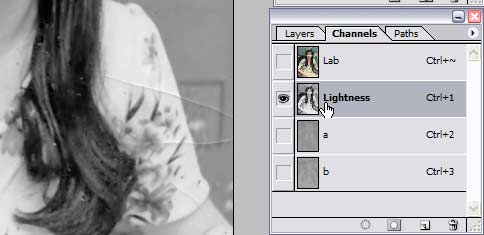
Увеличиваем на весь экран нашу верхнюю левую царапину.
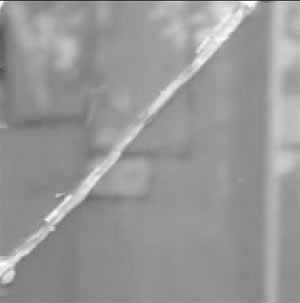
Выбираем инструмент Clone.
Инструмент healing brush сразу не поможет. Слишком неоднородные цвета царапины и фона.
Поэтому мы сначала обрабатываем сильно выраженные места царапины clone.
Конечно можно трудиться и healing brush, но чем больше вы его применяете к даннй области, тем больше вылезет артефактов = эффект слишком долгого применение инструмента.
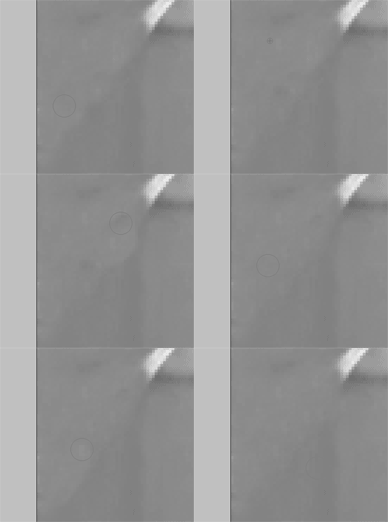
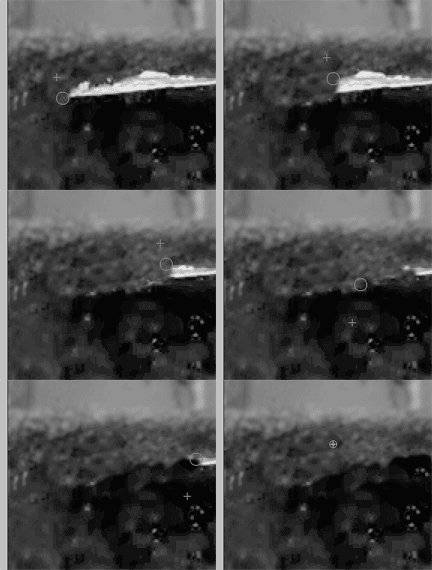
И так сначала нажимаем alt (появиться прицел) и щелкаем по образцу, потом отпускаем alt и водим по царапине.
(Если не видите gif анимацию, то включите в своем браузере ее поддержку.)
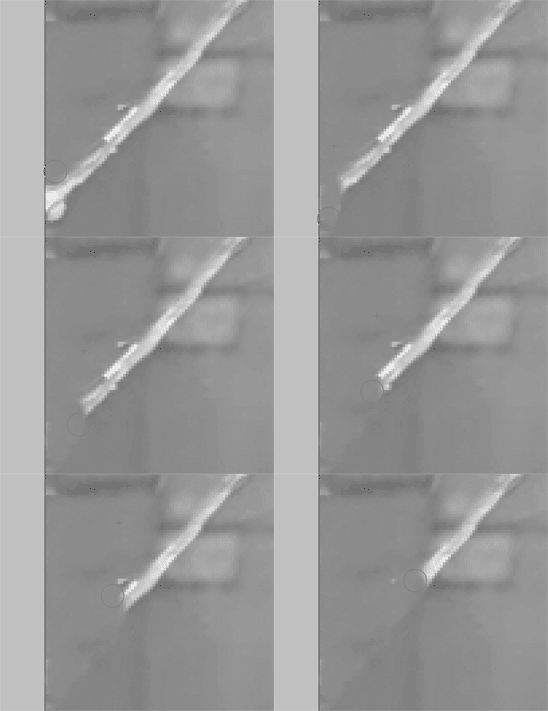
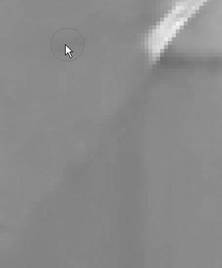
инструмент clone в работе.
Результат - след от царапины виден все равно. Так как эта область более менее стала однородной , пройдемся так же healing brush.
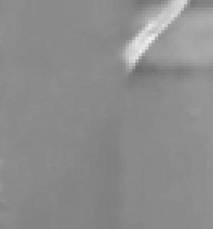
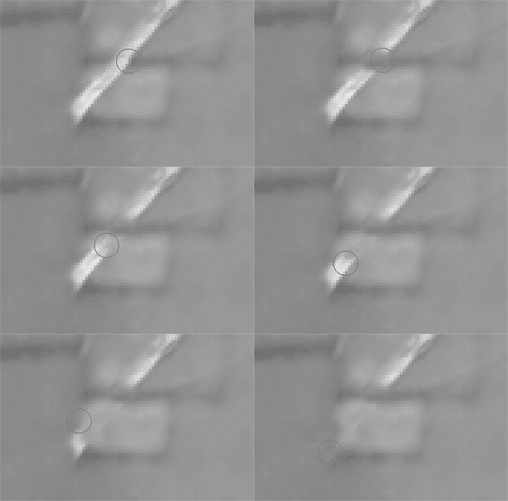
инструмент healing brush в работе.
Теперь по лучше. Недостаток healing brush в том, что он пригоден для работы в основном на такой однородной области. Если мы им начнем работать далее вверх по царапине, то столкнемся с проблемой о которой я говорил .(когда смешиваются цвета образца и царапины)
Работаем клоном. И на однородных областях применяем healing brush.
Результат обработки этого угла в канале lightness выгладит так.
Это только канал освещенности (форма). Щелкните по пиктограмме Lab в палитре channel.
Появиться полноцветное изображение. Теперь где была царапина, остался только "покореженный"
цвет.
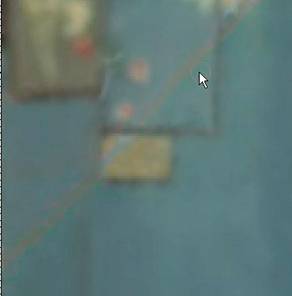
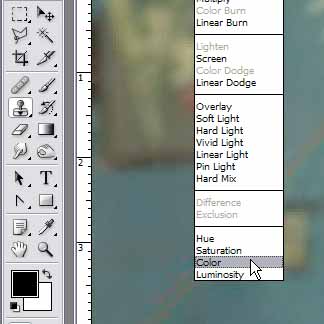
Правится он еще проще. Выбираем инструмент clone и работаем так же, только ставим его режим смешивания на color. То есть инструмент будет клонировать только цвет.
Результат. Никакого волшебства, все чистая математика.
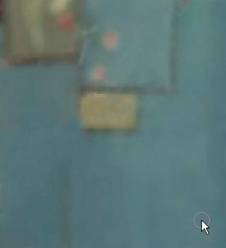
Все царапины такого же типа

на этой фотографии я сделал этим же способом.
На особо мелких царапинах не напрягайтесь через канал lightness и режим смешивания color. Сразу делайте в канале Lab.
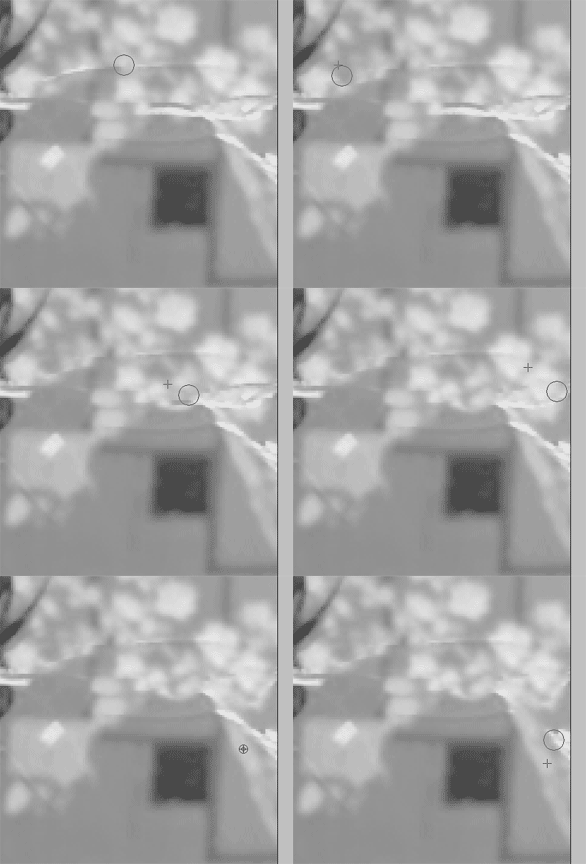
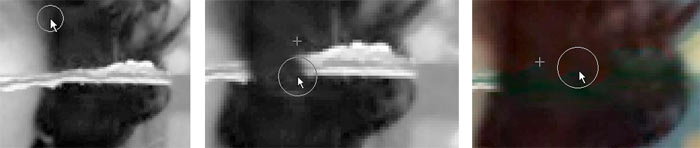
Клоном сначала правим форму, потом в режиме color - цвет.
Самый легкий тип грязи на фотографии
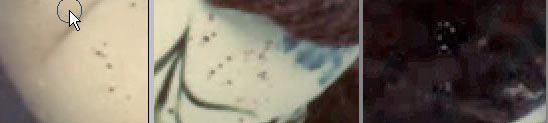
Лечиться просто двумя щелчками мыши (первый берем образец, второй - кладем) healing brush.
Ищем их все и исправляем .(Не только точки но и пятна). Чем больше исправите , тем лучше. Размер инструмента - опционально.
Вот что пока на нашем этапе сделано.
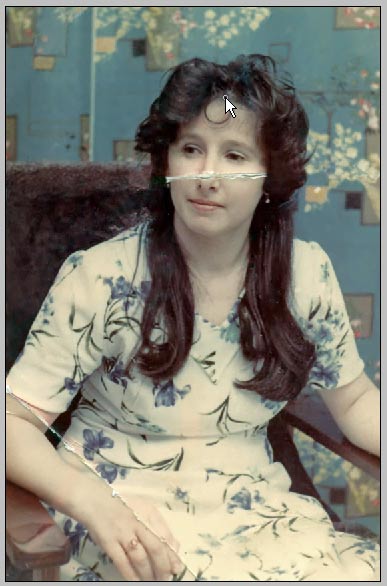
Теперь перейдем к лицу. Канал lightness.
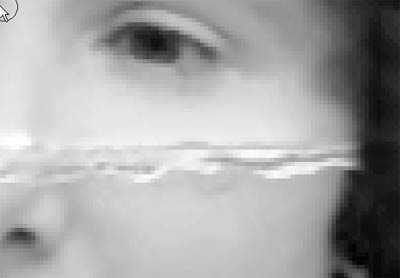
Сложность тут в том, что нужно это сделать точно.
Так как мы работаем точно и наше лицо в канале lightness очень светлое (большой риск не разглядеть огрехи при работе).
Делаем такой трюк. Переключаемся в закладку layers.Создаем новый слой. Заливаем его черным и ставим режим смешивания на overlay.
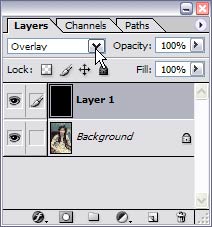
Переключимся на слой с фотографией и снова перейдем в канал lightness.
Изображение лица сильно потемнело, но теперь мы лучше видим форму лица. И так, работаем клоном. Правда его opacity (непрозрачность) лучше выставить на 50 %.Чем точнее вы работаете , тем меньше нужно значение opacity.
Главное здесь никаких грубых мазков. Все очень плавно.
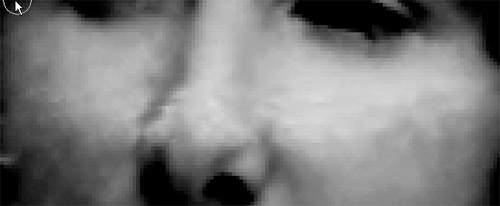
результат работы с клоном
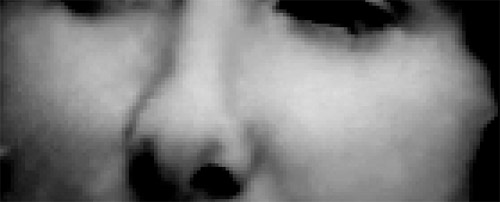
результат работы с healing brush
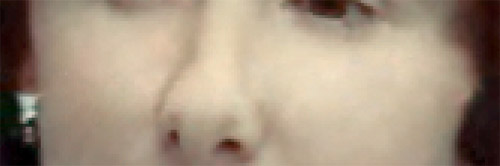
окончательный вариант с режимом клона color
В принципе, исправлять царапину на руке точно так же. Теперь если вас все устраивает удаляйте слой с черной заливкой.
3.Пункт мелких индивидуальных исправлений (так сказать доработка)
С царапинами мы разобрались.
Здесь у нас будет доработка цветов фотографии. Вот что нам надо исправить
Тут два типа работы: 1) по исправлению цветовых пятен 2) грязного цвета фона и платья.

По исправлению цветовых пятен все понятно , как и раньше clone в color. А вот как исправить грязные цвета? Конечно можно так же клоном, но постоянно захватывать им образцы когда большая рабочая зона - не очень удобно.
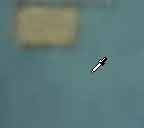
По этому я предлагаю воспользоваться кистью и пипеткой. Пипеткой нужно пользоваться, если на вашем фоне есть тот цвет, который бы вас устраивал в качестве образца. Если такого нет, то выбираем его самостоятельно. Два раза щелкаем на панели инструментов по первому квадрату (в моем случае он черный)
И выбираем подходящий.
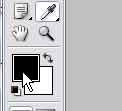
После выберем инструмент кисть. Ее размер подберете сами. Поставим кисточку на color (как в случае с клоном).
Opacity поставьте 70%.Теперь прям таки замазывайте области с грязным (в моем случае синим) цветом.
Фон вроде мы поправили. Теперь перейдем к цвету платья. Оно явно должно быть белым , никак не с желтоватым оттенком.
Исправляется так же, правда opacity задаем где-то 15%.Можно даже цвет кисти на белый не менять.
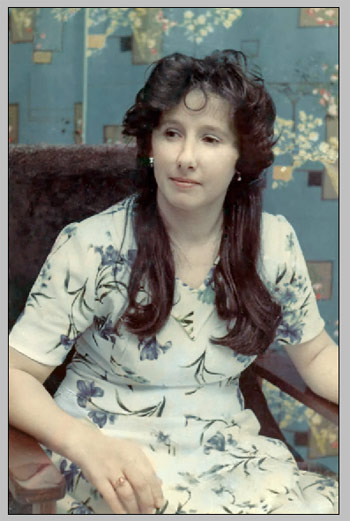
4.Noise reduction. Нойс редакшн.
Программисты фотошопа уделяют кучу времени на разработку своей программы в общем (производительность , стабильность , конкуренция...) Но они не специализируются в одной области, поэтому средствами photoshop достичь эффекта от сторонних узкопрофильных программ можно конечно , но это сам себе проблему делаешь.
Я говорю про алгоритмы Noise reduction.В этой области хорошо себя зарекомендовала программа neatimage.Легко найти через поисковик, а еще проще ". com" подписать после названия программы и вставить в интернет-браузер.
Рычажков там немного - разберетесь.
Результат neatimage
Очень надеюсь, что этот урок пригодиться не только одной женщине. Думаю ,вы сэкономите деньги, реставрируя фото сами, тем более в фотосалонах относятся к ним более-менее. Описанный мною способ до момента публикации в фотосалонах не применяется (скажу точно, применяться наверняка и не будет, так как деньги им за него не заплатят. Сделать самому гораздо выгоднее и в качестве, и в цене.
| Рубрики: | Обработка фото |
| Комментировать | « Пред. запись — К дневнику — След. запись » | Страницы: [1] [Новые] |


