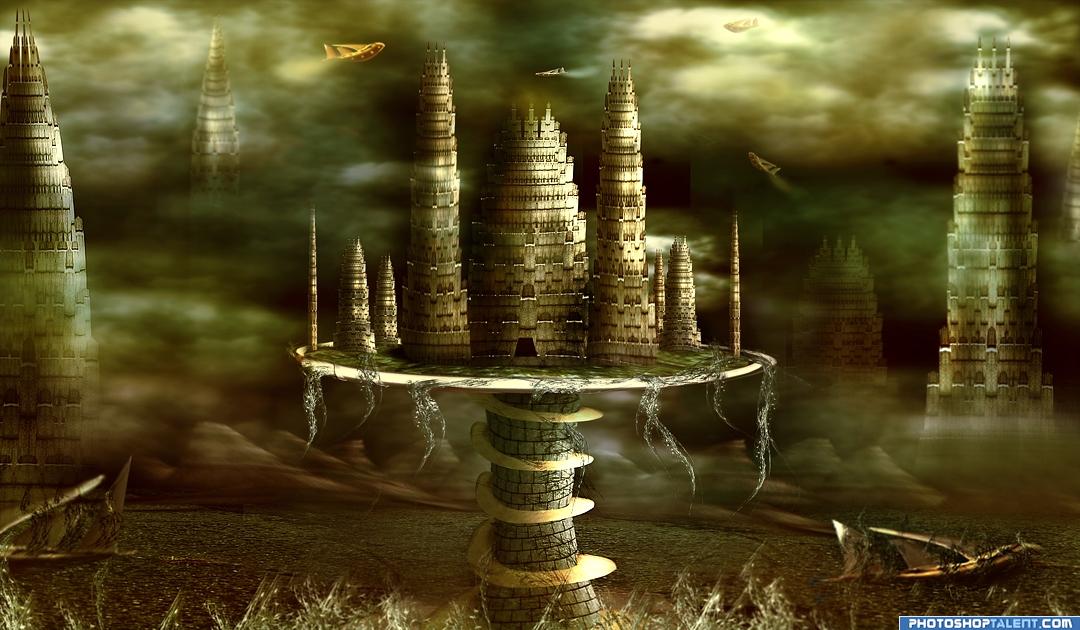
Create an Old Fantasy Space City |
This is the source image from Fallen Lights contest.
Download the high resolution source image: FALLEN LIGHTS SOURCE

In this step explain you how to make the space city building from the source image.

Finish the first building then make more buildings from the first building using transform tool.

Make the pillar.

Make dry grass from the source to add old look to the space city.

In this step I will explain how I create spaceship from the source image.

The following steps will explain the step by step process of the making of space city. First create new 12x9 inch file.

In this step shows you how we'll make ground from the source image.

Clouds made from filter. Add highlights and shadows to the clouds using Dodge and Burn tool.

Now we add the clouds, and set the cloud layer behind the buildings.

Continue to add more clouds.

Now set the other buildings. Duplicate the building and set it.

Now add spaceships.

This step will explain how to make mountains from scratch.

Now this is the final stage. Flatten all layers then use Dodge and Burn tool to add highlights and shadows to the final image. See the details below the image.

Final color correction.

This is the final result. Hope you enjoy my tutorial. Good luck!
Источник: www.pxleyes.com
| Рубрики: | ФОТОШОП И ДР./Уроки ФШ и др. |
| Комментировать | « Пред. запись — К дневнику — След. запись » | Страницы: [1] [Новые] |