-Поиск по дневнику

Поиск сообщений в CleanEmail

 -Подписка по e-mail


 -Статистика

Статистика LiveInternet.ru: показано количество хитов и посетителей
Создан: 29.06.2018
Записей:
Комментариев:
Написано: 5


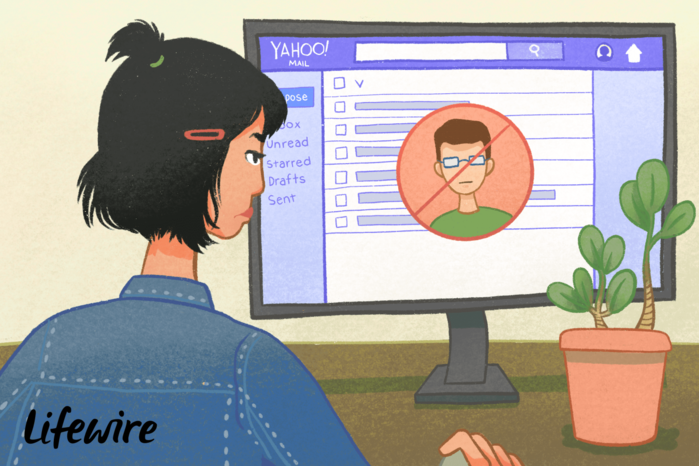
How to Block an Email on Yahoo Mail

Воскресенье, 26 Января 2020 г. 00:37 + в цитатник
6495306_blocksenderyahoo1174455_finalb1374a1e910f4092a87be1d59fdacf8a (700x466, 463Kb)

 
If you are a Yahoo user and your account often receives spam emails, newsletters, promotional emails, etc., you may be interested to know how to block any email address on Yahoo account.
 
1. Log in to your Yahoo Mail account.
2. Click on the settings gear icon on the right.
3. Select “More Settings” from the pop-up menu.
4. Choose “Security and Privacy” from the list of categories on the left.
5. Click the “+ Add” button.
6. Type the email address you would like to block and click the “Save” button.
 
 
If you are interested to know how to block an email address on the other email accounts, check out these instructions -  https://clean.email/how-to-block-an-email-address


Добавить комментарий:
Текст комментария: смайлики

Проверка орфографии: (найти ошибки)

Прикрепить картинку:

 Переводить URL в ссылку
 Подписаться на комментарии
 Подписать картинку